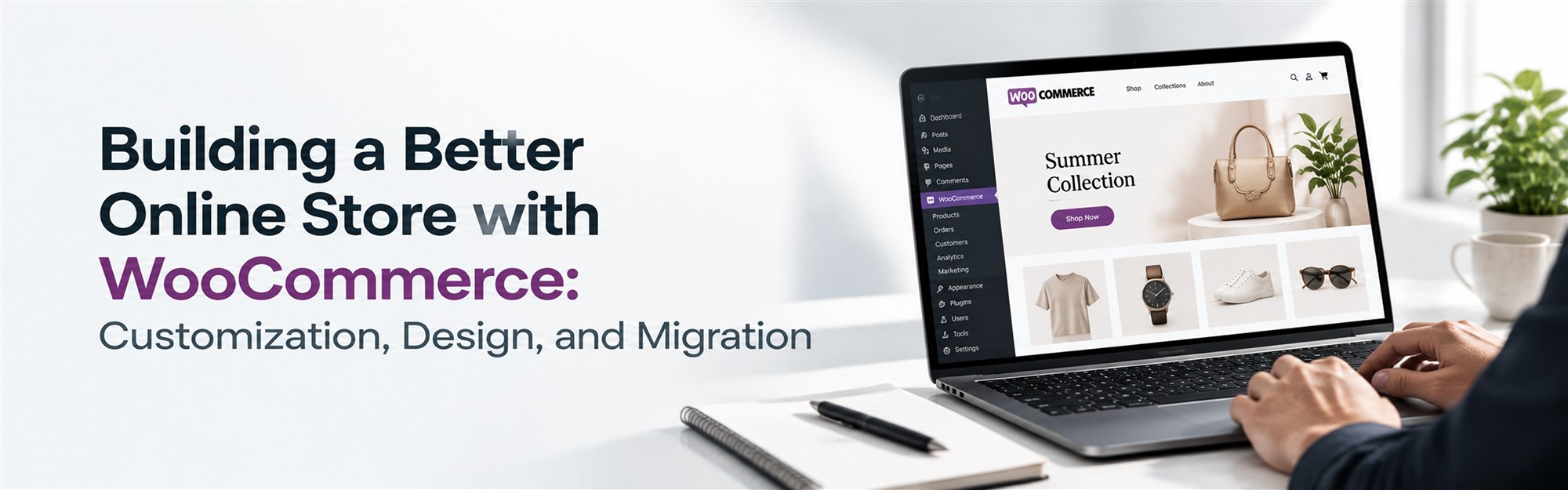
Building a Better Online Store with WooCommerce: Customization, Design, and Migration
For businesses that want real control over how their online store looks, functions, and grows, WooCommerce has remained a popular choice for good reason. Built on WordPress, it gives store owners the flexibility to shape almost every part of the shopping experience, from how products are displayed to how checkout works to which tools the store connects with behind the scenes.
That flexibility, though, comes with a trade-off. WooCommerce doesn't hand you a finished, polished store out of the box the way some closed platforms do. It gives you a strong, extendable foundation, and what you build on top of it depends on planning, customization, and thoughtful design.
This is why customization, functionality, and, for businesses moving from another platform, migration planning matter so much when building or improving a WooCommerce store. A store that's set up carelessly can end up just as limiting as a rigid, out-of-the-box platform, even though the underlying technology is far more capable.
This article walks through what goes into a well-built WooCommerce store, from customization and plugin development to design, setup, and migration.
What Makes WooCommerce a Flexible eCommerce Platform?
WooCommerce's biggest advantage is that it isn't a closed system. Because it runs on WordPress and is largely open-source, businesses can adjust nearly every part of the store to fit their products, their customers, and how they actually operate.
That might mean building custom product pages for a business selling made-to-order goods, connecting the store to an existing inventory or accounting system, or designing a checkout flow that matches a specific type of transaction. Unlike platforms where you're limited to a fixed set of features, WooCommerce lets a business shape the store around its own workflows, rather than adjusting its workflows to fit the software. That flexibility is exactly why customization tends to play such a central role in how well a WooCommerce store ultimately performs.
What Do WooCommerce Customization Services Include?
WooCommerce customization services cover the range of changes businesses make to move beyond a default WooCommerce setup and build something that actually fits their needs. This can involve:
- Storefront customization: adjusting layout, branding, and overall look and feel
- Product page changes: adding custom fields, layouts, or display options specific to certain product types
- Checkout experience improvements: simplifying steps or adding fields relevant to the business
- Navigation adjustments: making it easier for customers to find what they're looking for
- Custom functionality: building features that aren't available through standard plugins
- Payment integration: connecting the gateways a business actually needs
- Shipping option configuration: setting up rules that match real fulfillment processes
- Third-party integrations: connecting tools like CRMs, marketing platforms, or accounting software
- Performance improvements: addressing slow load times or bottlenecks
- Mobile optimization: making sure the store works well on smaller screens
For example, a business selling personalized products might need custom fields on the product page for engraving text or size selection, something a default theme simply doesn't support. That kind of change falls squarely under customization work, and it's often the difference between a store that just exists and one that actually fits how customers shop.
WooCommerce Custom Plugin Development for Unique Requirements
WooCommerce's plugin ecosystem is large, but it doesn't cover every situation. When a business has requirements that ready-made plugins can't handle, or when combining multiple plugins creates conflicts, WooCommerce custom plugin development becomes the more practical option.
Common reasons businesses need custom plugins include:
- Custom pricing logic, such as tiered pricing based on customer type or order volume
- Specialized product functionality, like configurators or bundled product options
- Business-specific workflows, such as approval steps before an order is finalized
- Inventory features that go beyond what standard stock management plugins offer
- Customer management needs, like custom account fields or segmented access
- External API integrations, connecting the store to systems that don't have existing plugins
- Custom checkout functionality, such as unique validation rules or additional payment steps
Building a custom plugin instead of stacking several general-purpose ones often results in a cleaner, more maintainable store. It also matters for long-term stability: custom plugins need to be built with compatibility and security in mind, since WooCommerce and WordPress both receive regular updates that can affect how existing code behaves.
WooCommerce Store Setup: Getting the Foundation Right
Before customization and design come into play, a WooCommerce store needs a solid foundation. WooCommerce store setup covers the technical groundwork required to get a store ready for real customers.
This typically includes:
- Installing and configuring WordPress and WooCommerce correctly
- Selecting a theme that fits the business and works well with WooCommerce
- Setting up products, variations, and pricing
- Organizing categories and collections for easy browsing
- Configuring payment gateways
- Setting up shipping rules and rates
- Applying correct tax settings based on business location and requirements
- Implementing basic security measures
- Connecting analytics tools to track store performance
- Testing functionality across devices and browsers
- Preparing the store for launch, including final checks and backups
Skipping or rushing any of these steps tends to cause problems later; a missing tax configuration or an untested checkout flow can create real headaches once the store goes live. Getting the setup right from the start makes everything built on top of it, from customization to marketing, considerably easier.
WooCommerce Design Services for Better User Experience
Good store design is often mistaken for simply making a website look attractive, but WooCommerce design services are really about how well the store functions for the people using it. Design shapes how easily customers can browse, understand products, and complete a purchase.
Strong WooCommerce design typically considers:
- Brand consistency across every page of the store
- Easy navigation, so customers aren't hunting for products or information
- Clear product presentation, with imagery and layout that make sense for what's being sold
- Mobile responsiveness, since a large share of shopping now happens on phones
- Clear calls to action, guiding customers toward the next step
- Checkout usability, reducing friction at the point of purchase
- Product filtering, helping customers narrow down larger catalogs
- Logical page structure, keeping information organized and easy to scan
- Overall customer experience, tying all of the above together into something that feels coherent
When these elements are handled thoughtfully, shopping feels easier, and the store comes across as more professional and trustworthy, which matters just as much as the products themselves.
WooCommerce Migration Services: Moving Without Losing Important Data
Businesses often reach a point where they need to move away from their current setup, whether that's an outdated WooCommerce installation, a different eCommerce platform, or a store that's simply outgrown its original configuration. This is where WooCommerce migration services come in.
Migration involves far more than copying a website from one place to another. It requires careful attention to:
- Product data, including variations, attributes, and descriptions
- Customer data, such as accounts and order history
- Orders, particularly past order records that need to remain accessible
- Categories, keeping product organization intact
- Images, making sure nothing is lost or broken in the move
- URLs, preserving existing links wherever possible
- SEO metadata, protecting search rankings built up over time
- Database information, which can differ significantly between platforms
- Payment and shipping settings, reconfigured correctly in the new environment
- Third-party integrations, reconnected and tested
- Redirects, so old links don't lead to broken pages
- Testing, confirming everything works before the migration goes live
A migration that isn't properly planned can lead to lost data, broken pages, or a drop in search visibility that takes time to recover from. Testing thoroughly both before and after the move is one of the simplest ways to avoid those problems.
Finding WooCommerce Developers in Noida
When businesses search for WooCommerce developers in Noida, they're usually looking for a team that combines technical skill with a genuine understanding of how their business operates. A few things worth evaluating include:
- Hands-on WooCommerce experience, not just general WordPress work
- Solid WordPress expertise, since WooCommerce is built on top of it
- Custom development capabilities for requirements beyond standard plugins
- Plugin development skills, particularly for business-specific functionality
- Design knowledge that goes beyond templates
- Experience with API and third-party integrations
- Clear, responsive communication
- A portfolio that reflects relevant project experience
- A defined testing process before launch
- Availability for maintenance and support afterward
Location can matter if a business prefers in-person meetings, but it shouldn't be the main deciding factor. Technical expertise and a clear understanding of project requirements tend to matter far more than proximity alone.
WooCommerce Services by Infotiqq
Infotiqq provides WooCommerce development services for businesses with a range of eCommerce needs. This includes WooCommerce customization services for stores that need to go beyond default functionality, WooCommerce custom plugin development for requirements that off-the-shelf plugins can't cover, and WooCommerce store setup for businesses launching a new store from scratch.
The team also works on WooCommerce migration services for businesses moving from another platform or an outdated setup, along with WooCommerce design services focused on usability and customer experience. Beyond these core areas, Infotiqq handles custom WooCommerce development, third-party integrations, payment gateway integration, store optimization, and ongoing maintenance and support.
How Infotiqq Approaches WooCommerce Projects
WooCommerce projects generally follow a structured process to keep development organized:
- Understanding business requirements: learning what the store needs to do and who it's built for
- Planning the store structure: mapping out categories, navigation, and overall layout
- Selecting the appropriate theme and technology: choosing a foundation that fits the project
- Designing the user experience: planning how customers will move through the store
- Customizing the WooCommerce store: adjusting design and functionality to match requirements
- Developing required plugins or functionality: building anything not covered by existing tools
- Integrating third-party tools: connecting payment gateways, CRMs, or other systems
- Testing functionality and responsiveness: checking that everything works correctly across devices
- Launching the store: moving from development into a live environment
- Providing ongoing maintenance and support: addressing updates and issues after launch
This structure helps keep projects on track and reduces the chances of something important being missed along the way.
How to Choose the Right WooCommerce Development Partner
Before starting a project, it's worth reviewing a potential partner against a few key areas:
- WooCommerce expertise specifically, not just general eCommerce background
- WordPress knowledge, since the two are closely tied together
- Customization experience relevant to your type of business
- Plugin development capabilities for custom functionality
- Design capabilities that go beyond basic templates
- Migration experience, if you're moving from another platform
- Integration expertise with the tools your business already uses
- Security practices, including how updates and vulnerabilities are handled
- Testing processes to catch issues before launch
- Communication throughout the project
- Post-launch support availability for ongoing maintenance
Working through this list before committing to a partner can help set clearer expectations and avoid surprises later in the project.
Conclusion
A successful WooCommerce store is rarely just a matter of installing the plugin and adding products. It comes down to thoughtful customization, functional design, a properly configured setup, and, for businesses transitioning from another platform, careful migration planning. Each of these pieces plays a role in how well the store actually performs once real customers start using it.
Whether you're launching a new WooCommerce store, improving an existing one, or moving from a different platform altogether, focusing on the fundamentals covered here can help you build something that holds up as your business grows.
Frequently Asked Questions
They involve modifying a WooCommerce store's design, functionality, and features, such as product pages, checkout, and navigation, to match specific business requirements beyond the platform's defaults.
It's the process of building plugins specifically for a business's needs when existing WooCommerce plugins can't fully support required functionality, such as custom pricing or unique workflows.
It covers configuring WordPress and WooCommerce, setting up products and categories, connecting payment and shipping options, applying tax settings, and testing the store before launch.
Typically when moving from another eCommerce platform, upgrading from an outdated WooCommerce setup, or restructuring an existing store while needing to preserve data, orders, and SEO value.
They focus on how a store looks and functions for customers, covering navigation, product presentation, mobile responsiveness, and checkout usability rather than just visual styling.
Focus on WooCommerce and WordPress expertise, customization and plugin development experience, and communication, rather than selecting a provider based on location alone.
Yes. WooCommerce is highly flexible, and its themes, plugins, and codebase can be adjusted or extended to match specific products, workflows, and customer requirements.
Yes. Infotiqq offers WooCommerce customization, custom plugin development, store setup, migration, and design services, along with integrations and ongoing support.